Want Market Updates Without Breaking Your Workflow?
Access stocks, news, and AI-powered insights with our Desktop/Laptop App.
Download Stkfocus Desktop/Laptop App
Note: You may experience some installation issues when running the desktop app on macOS 26 (Intel) and macOS 26 (Apple Silicon). This is due to recent macOS vulnerabilities. Rest assured, a fix is on the way.
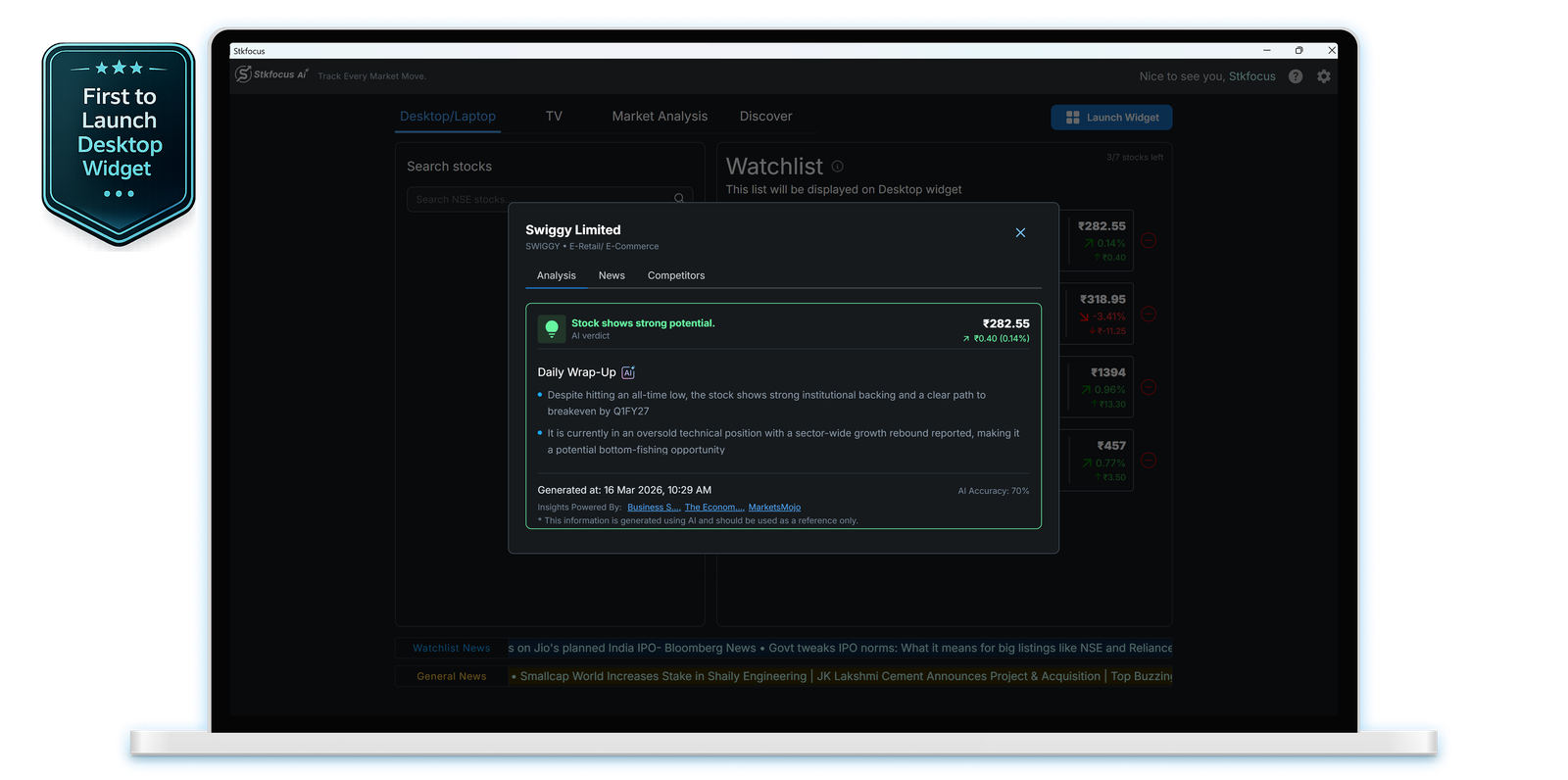
Start monitoring your market
Set up Stkfocus on your desktop and start tracking your stocks with real-time updates and AI-powered insights in just a few simple steps.
1. Download and install the app.
2. Search for a stock.
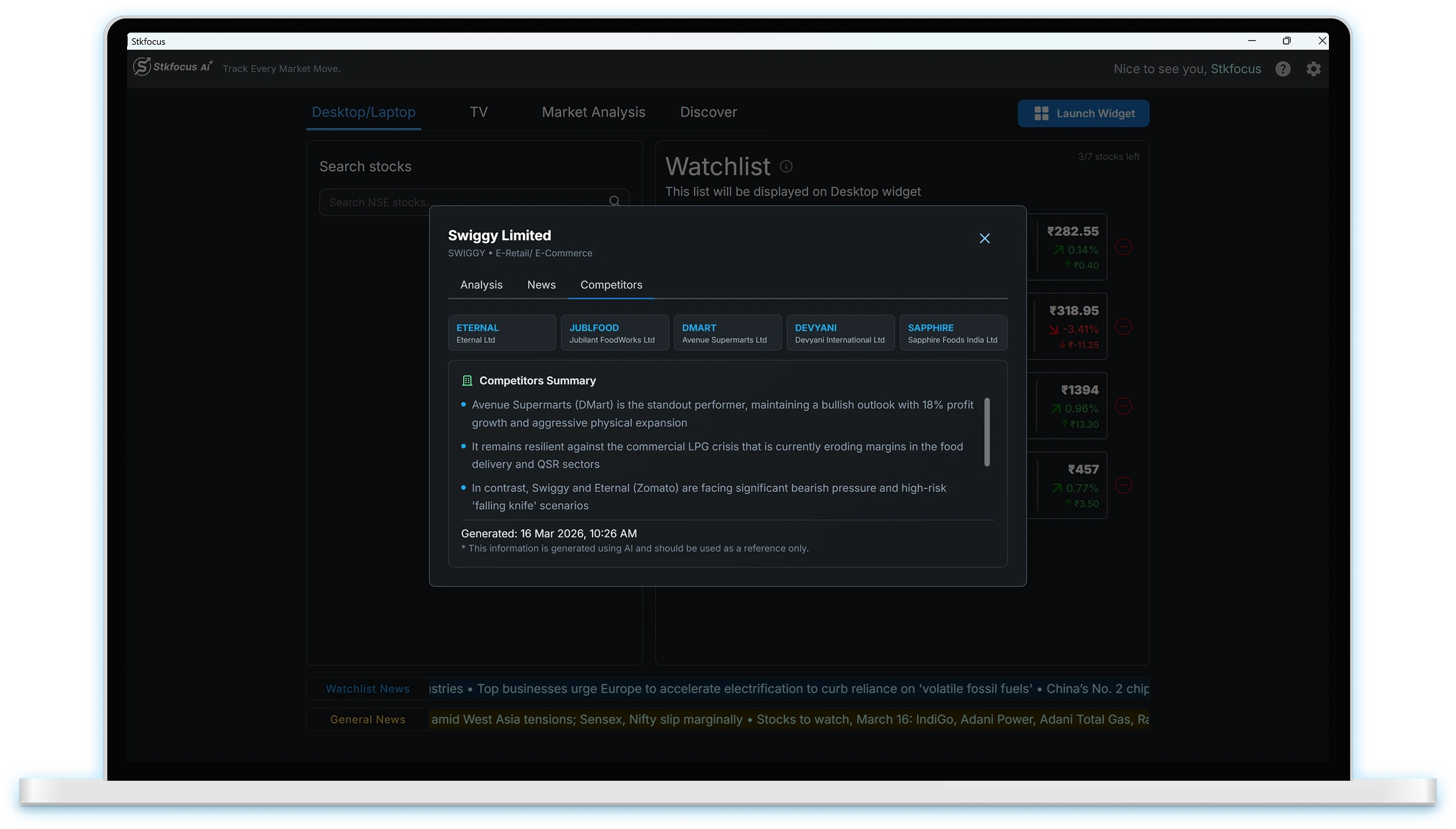
3. Perform AI analysis and competitor analysis.
4. Analyze news.
4. Add the stock to the watchlist.
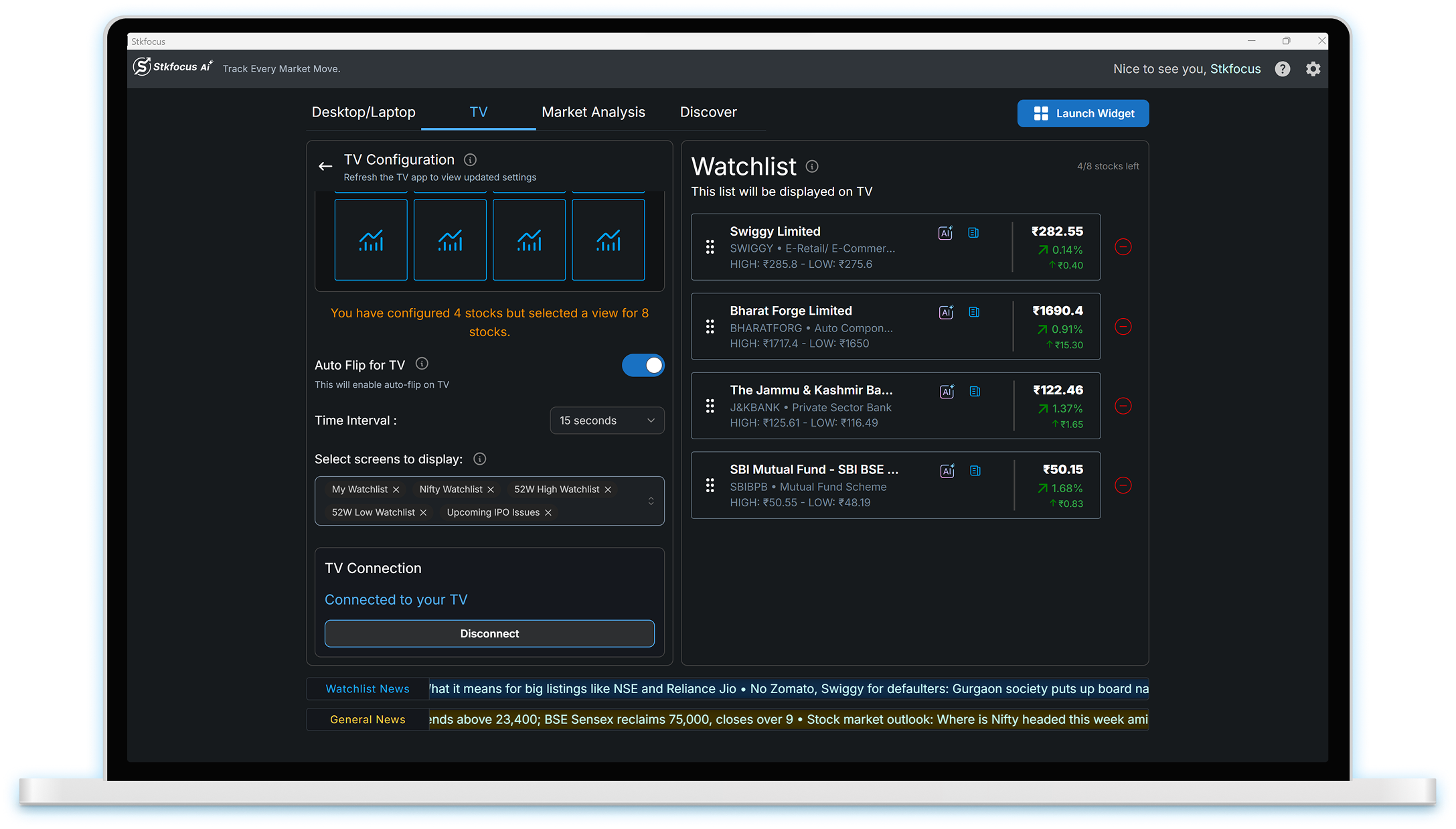
Manage your TV app configuration with desktop
Easily configure your TV app, manage watchlists, and control how market data and AI insights appear on your screen
Sync Your Device
Connect your mobile or desktop app with the TV using the access code to sync watchlists, AI insights.
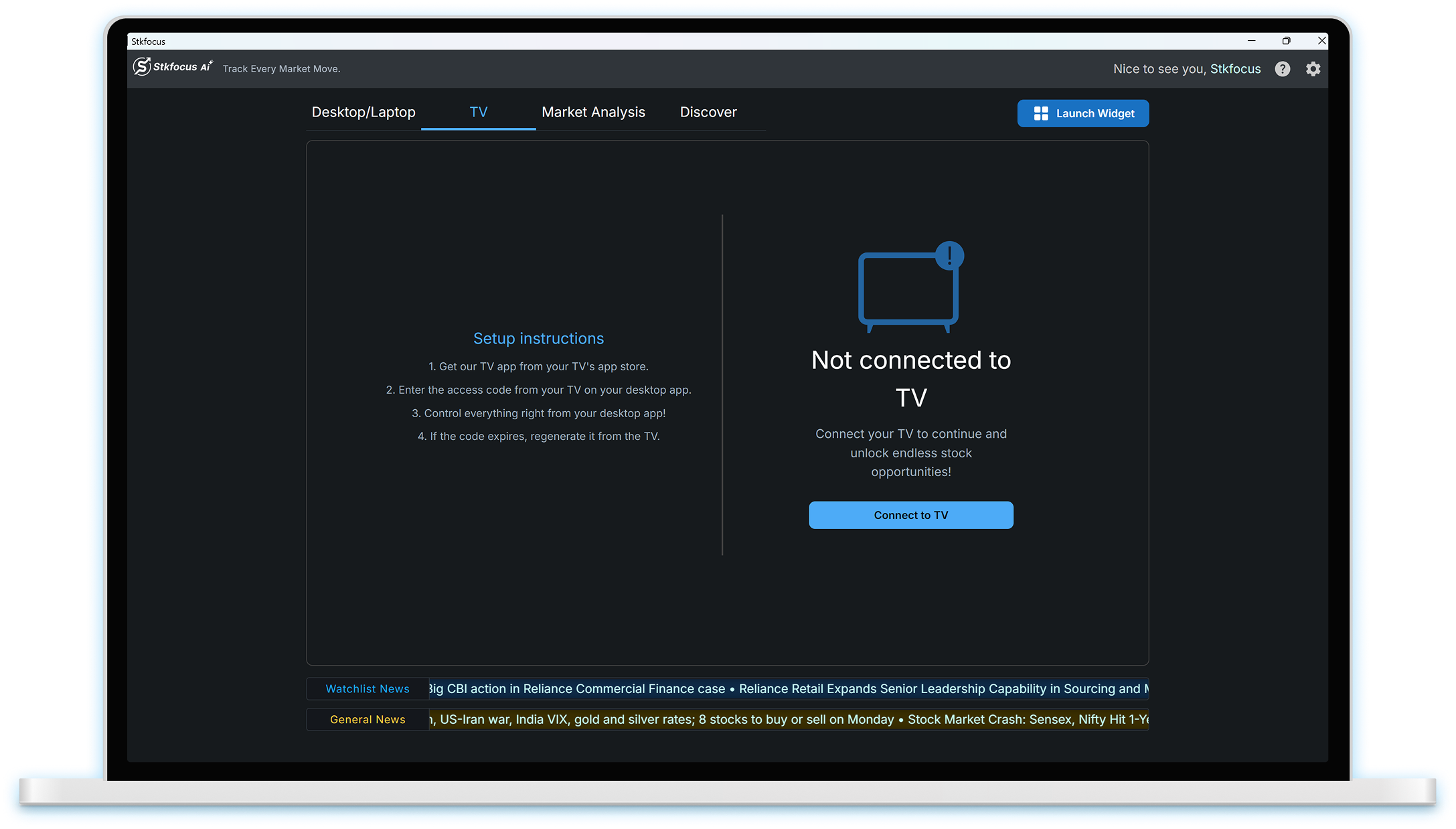
Customize TV
Customize the display, manage watchlists, and control how market data and AI insights.
AI that works as hard as you do!
Explore the desktop app’s AI driven stock insights, market analysis, real time watchlists and curated content all designed to help you track the market smarter and faster.
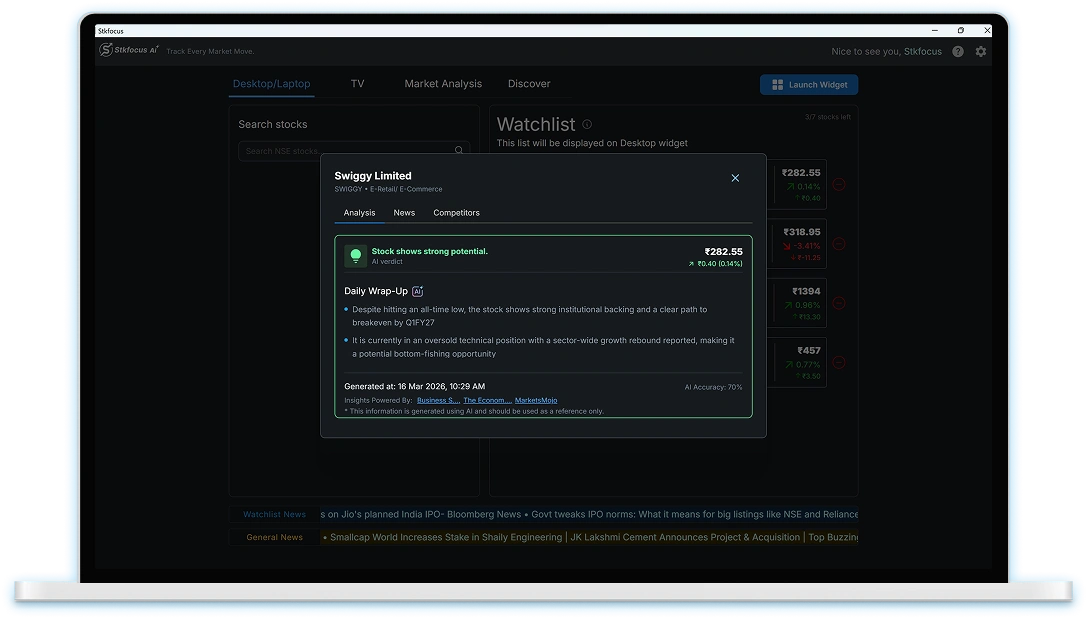
AI Analysis for Every Stock
Get AI driven insights and competitor analysis for single stock.
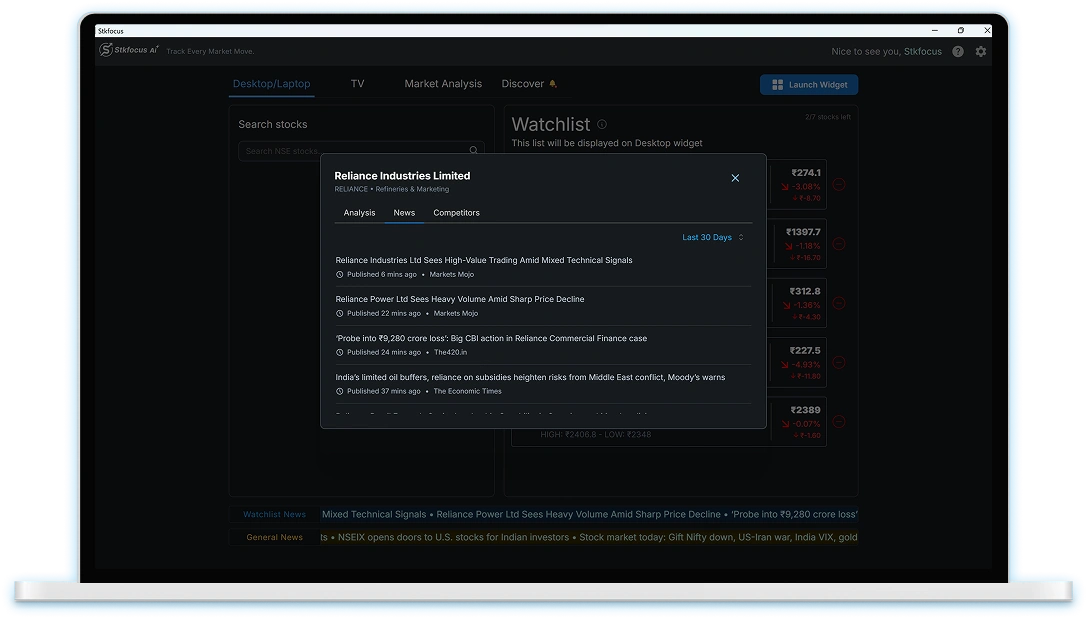
Stock News at a Glance
Stay updated with the latest news for every stock in your watchlist.
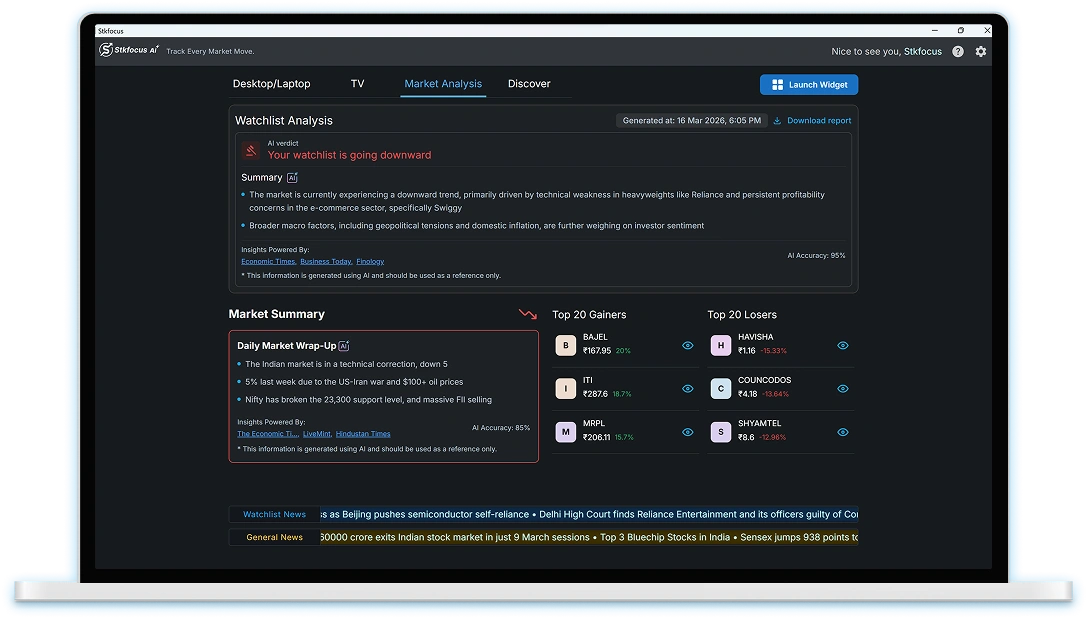
AI Powered Market Analysis
Access AI generated market summaries, watchlist analysis and gainers and losers watchlist.
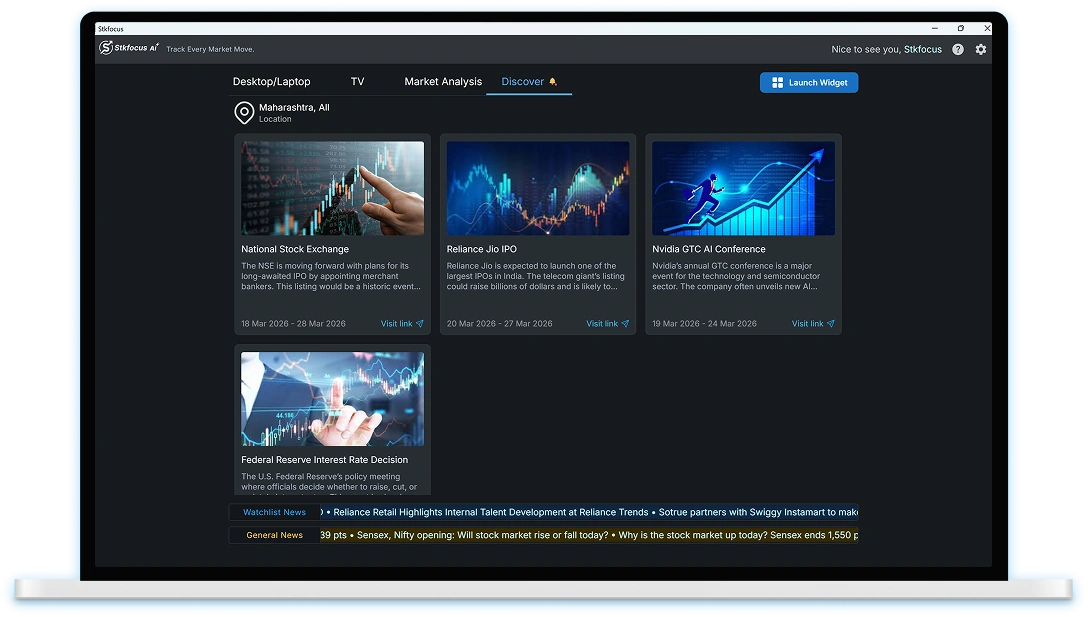
Discover Curated Content
Access content from admins including local updates, market insights and expert sessions.
Dynamic widgets for smarter tracking
A widget designed to enhance your monitoring experience with its advanced features.
Multiple Watchlists
Track watchlists, Nifty, 52-week highs and lows, IPOs. Drag to reorder stocks easily
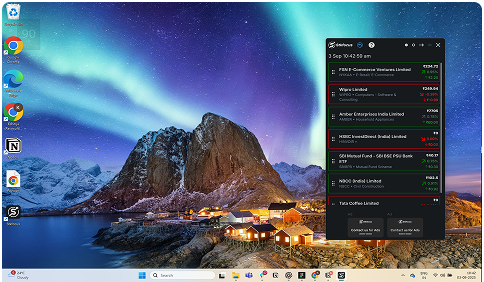
Auto-Rotating Views
Widgets rotate automatically across lists and market segments for continuous monitoring
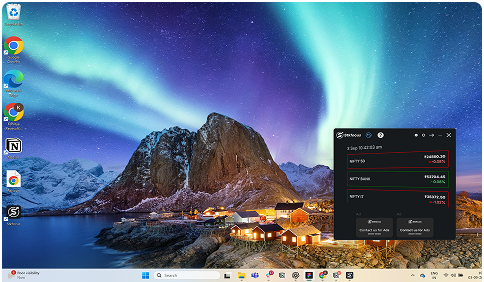
Real-Time
Updates
Get live stock movements, market trends, and AI insights instantly without switching screens
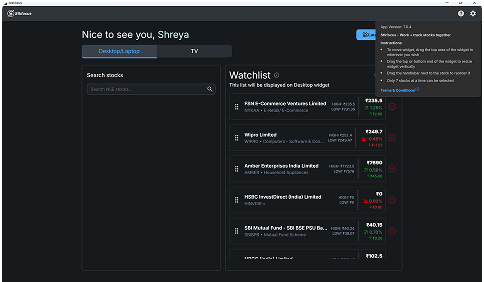
Quick Insights at a Glance
View AI analysis, risk indicators, and summary metrics directly within the widget
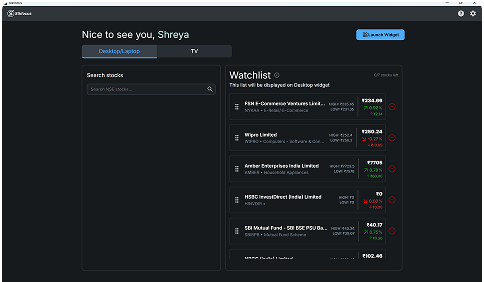
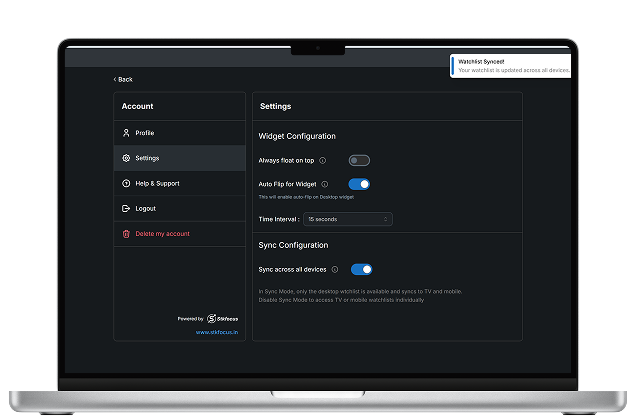
Sync across all platforms
Switch between TV Mode and Desktop Mode for an optimized Stkfocus experience!
Step 1
- Enable sync to link your desktop app to
TV and mobile apps. - The desktop watchlist will sync across all devices for seamless updates.
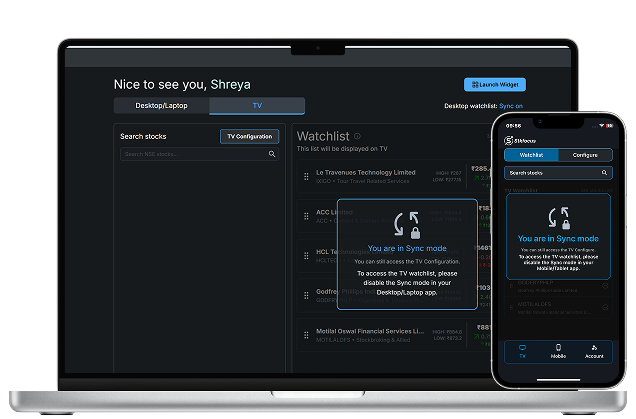
Step 2
- Access and manage your TV and mobile watchlists separately by disabling sync for customized control across devices.
Download Stkfocus desktop
/laptop App
Get seamless stock tracking with our easy-to-use desktop app. Available for Windows and Mac
Note: You may experience some installation issues when running the desktop app on macOS 26 (Intel) and macOS 26 (Apple Silicon). This is due to recent macOS vulnerabilities. Rest assured, a fix is on the way.
Set up the app in two minutes!
Check out this quick guide to easily set up the Stkfocus desktop app and start tracking your stocks with ease!