
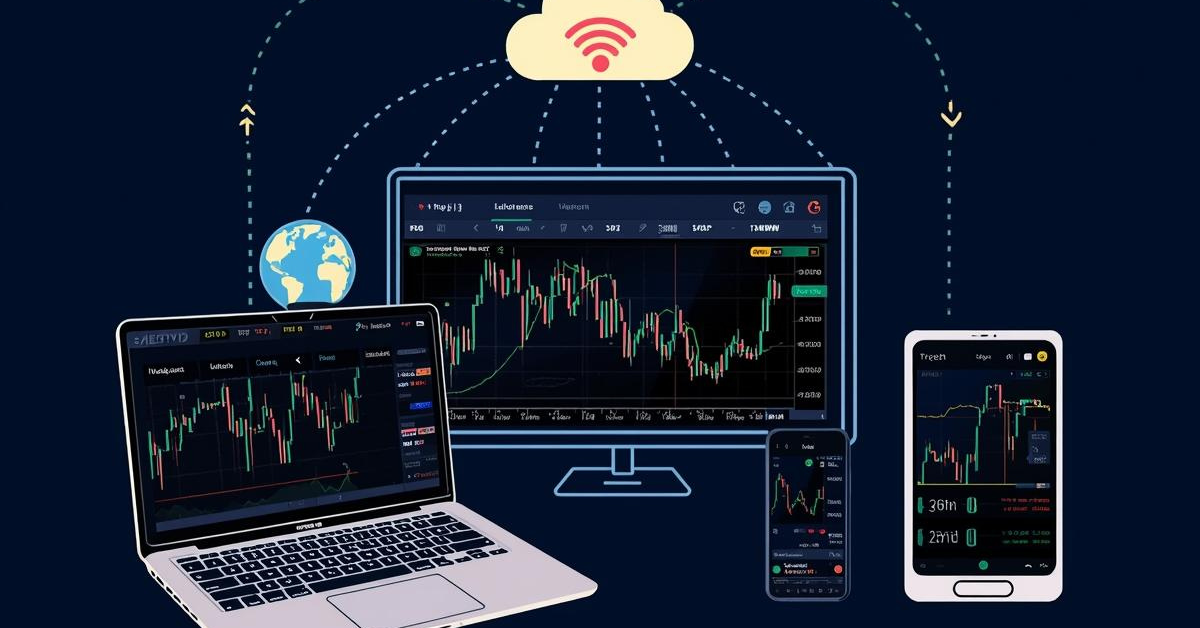

Modern investors rarely rely on a single device to track markets. Smartphones, laptops, and smart TVs each play a role in monitoring prices, charts, and news. With these multiple touchpoints, the ability to sync a stock watchlist across all devices has become essential.
If you are just starting out, you may want to understand Indian stock market basics before exploring multi-device tracking.
This guide explains why syncing matters, how cross-device watchlists work, and the tools that help you maintain a unified view of your stocks across mobile, web, and TV.
Why a Synced Watchlist Matters
- Consistency across every device
- Real-time updates without manual repetition
- Faster decision-making with continuous tracking
- Improved workflow for active investors
- Efficient monitoring throughout the day
How Cross-Device Watchlist Syncing Works
Cross-device syncing is driven by cloud storage and a unified login system. When you log in on any platform, your watchlist is automatically retrieved from the server.
- Unified login across mobile, web, and TV
- Watchlist stored securely in the cloud
- Automatic syncing at short intervals
- Real-time market data reflected everywhere
- Edits made on one device instantly appear on others
Key Platforms That Support Watchlist Syncing
Stockbroking Apps
- Access via mobile apps, web dashboards, and in some cases, TV apps
- Watchlists synced across all devices under one login
- Consistent chart views and layout preferences
- Instant updates using server-side syncing
Market Tracking Applications
- Unified login for all platforms
- Dedicated watchlist dashboards
- Cross-device price alerts
- Fast refresh cycles for real-time data
Smart TV Financial Apps
- Large-screen market dashboards
- Real-time tickers and chart displays
- Ideal for passive monitoring during trading hours
- Hands-free setup for long-term investors
Steps to Sync Your Watchlist Across Devices
1. Create or Log Into Your Account
- Ensure you use the same account credentials on mobile, web, and TV.
2. Build Your Primary Watchlist
- Add stocks through your preferred device—typically your mobile app.
3. Enable Cloud Sync
- Most platforms sync automatically; some require enabling sync manually.
4. Log Into All Devices
- Your watchlist should appear immediately on compatible platforms.
5. Verify Real-Time Updates
- Check if price updates and movements reflect correctly across devices.
6. Make Edits to Test Syncing
- Add or remove a stock on one device and confirm the same change elsewhere.
Common Issues and How to Avoid Them
1. Using Multiple Accounts
- Syncing will only work if the same account is used across all platforms.
2. Outdated App Versions
- Older versions may lack syncing features; update apps regularly.
3. Low Connectivity
- Real-time syncing depends on stable internet connectivity.
4. Cache Conflicts
- Refreshing or clearing cache resolves most display delays.
5. TV App Limitations
- Some smart TV apps support viewing only; make edits on mobile or web.
How a Unified Watchlist Improves Your Workflow
- Maintains a continuous real-time market view
- Helps respond quickly to price movements
- Allows better visual tracking on larger screens
- Supports multi-device research and analysis
- Improves time management and investment monitoring
Final Thoughts
A synchronized watchlist ensures that investors always have a single, consistent view of the market across mobile, web, and TV. Whether you are an active trader or a long-term investor, multi-device syncing enhances convenience and supports better decision-making.
To understand how different investing styles work across various devices, you may also read our comparison on trading vs investing differences.
SEBI Compliance and Legal Note
This article is for educational purposes only and should not be taken as financial or investment advice.
All information is based on publicly available resources including NSE, BSE, and SEBI.
Investors can file complaints or queries through the official SEBI SCORES platform.
Readers should consult a SEBI-registered financial advisor before making investment decisions.