Monitor your stocks real time!
Download stkfocus and transform
your monitoring experience.
Windows
Minimum Requirements: Windows 10 or
later, 4GB RAM, 100MB free disk space
Mac
Minimum Requirements: MacOS 10.13 or
later, 4GB RAM, 100MB free disk space
How it works
Access real-time updates with our flexible,
easy to-use widget experience.

1. Download and Install

2. Register yourself

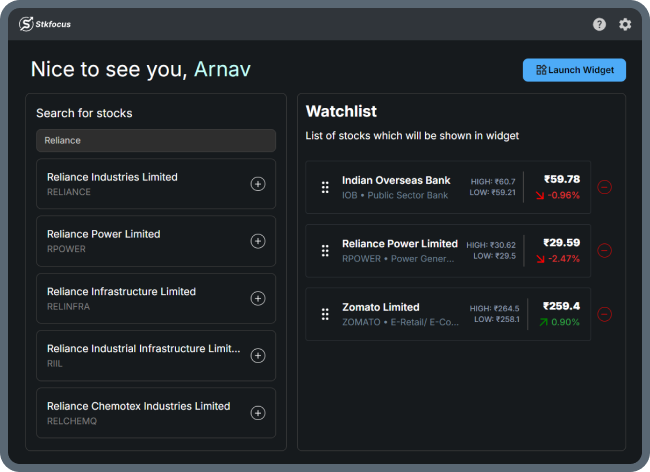
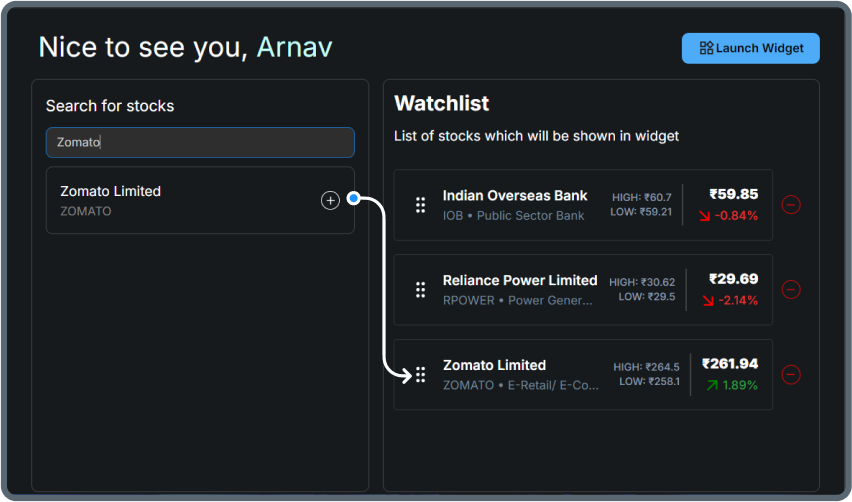
3. Search and add to watchlist

4. Launch widget and monitor your stocks
Extensive Widget Features
A widget designed to enhance your monitoring experience with its advanced features.
Real-time Stock Prices
Get instant updates on the current price and percent change of your favorite NSE stocks.
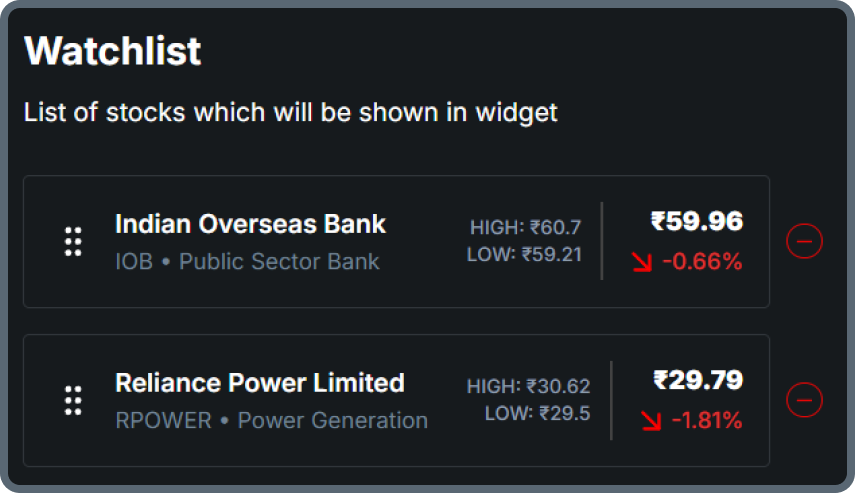
Customizable Watchlist
Create and manage your perfect stock watchlist with full customization.
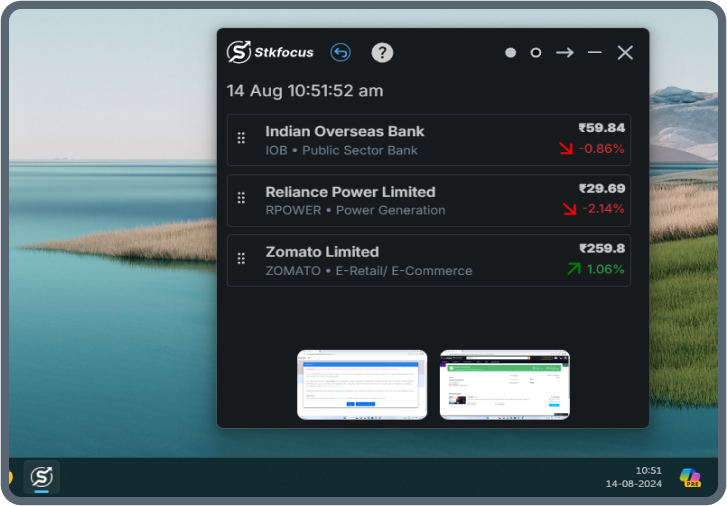
Always on Top Widget
Your market insights, always at the forefront with our top widget.
Easy to Use
Experience seamless simplicity with our easy-to-use interface.
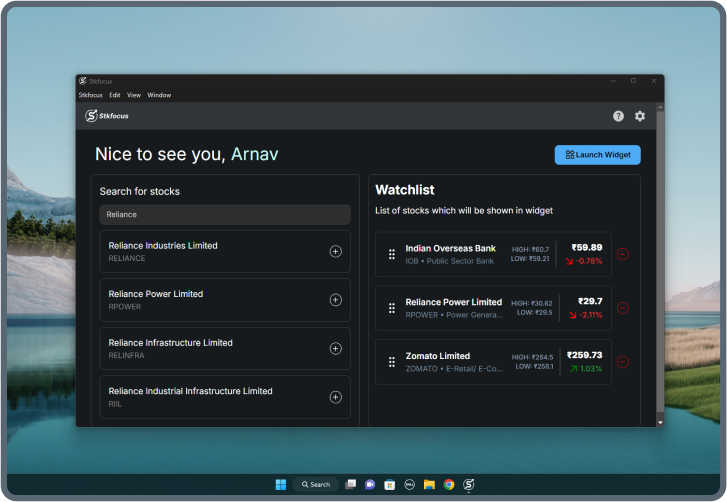
Track 1-7 Stocks
Easily monitor up to 7 stocks simultaneously, ensuring you stay on top of your investments at all times.
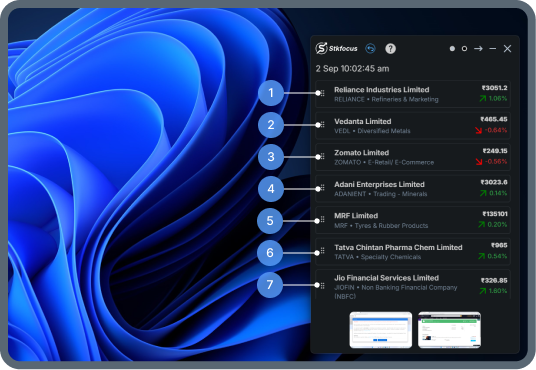
Syncing & Auto Flipping
Keep your stock data updated effortlessly with automatic syncing and flipping for the latest insights.
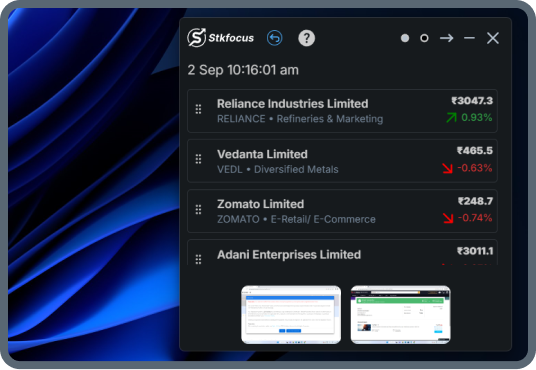
Widget Moving & Resizing
Customize your dashboard with movable and resizable widgets to fit your viewing preferences.
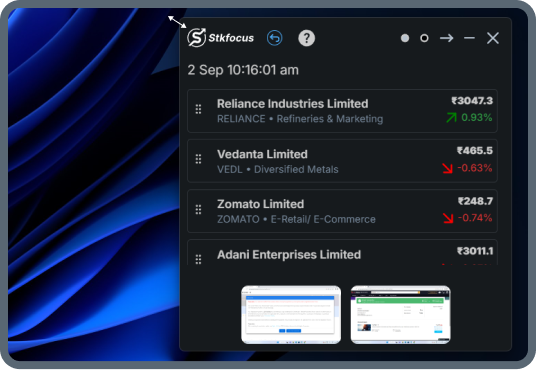
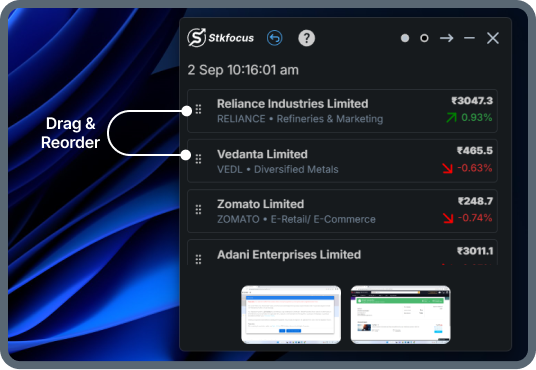
Drag to Re-order Stocks
Organize your stocks the way you like by dragging and re-ordering them on both desktop and widget views.
Watch this quick tutorial to easily install, run stkfocus, and track your stocks in no time!
Work Smart, Track Smarter
Keep your investments in view without leaving your workflow in just 2 simple step.

Search & Select Stocks
Easily search and choose the stocks that fit your investment goals

Launch the Widget
Launch the widget to keep your market insights always accessible
Testimonials
Hear from our satisfied customers